Add PO Numbers to Sales Documents
Improvement
You can now add the customer’s Purchase Order number while creating an invoice, proforma invoice, quotation, or sales order:
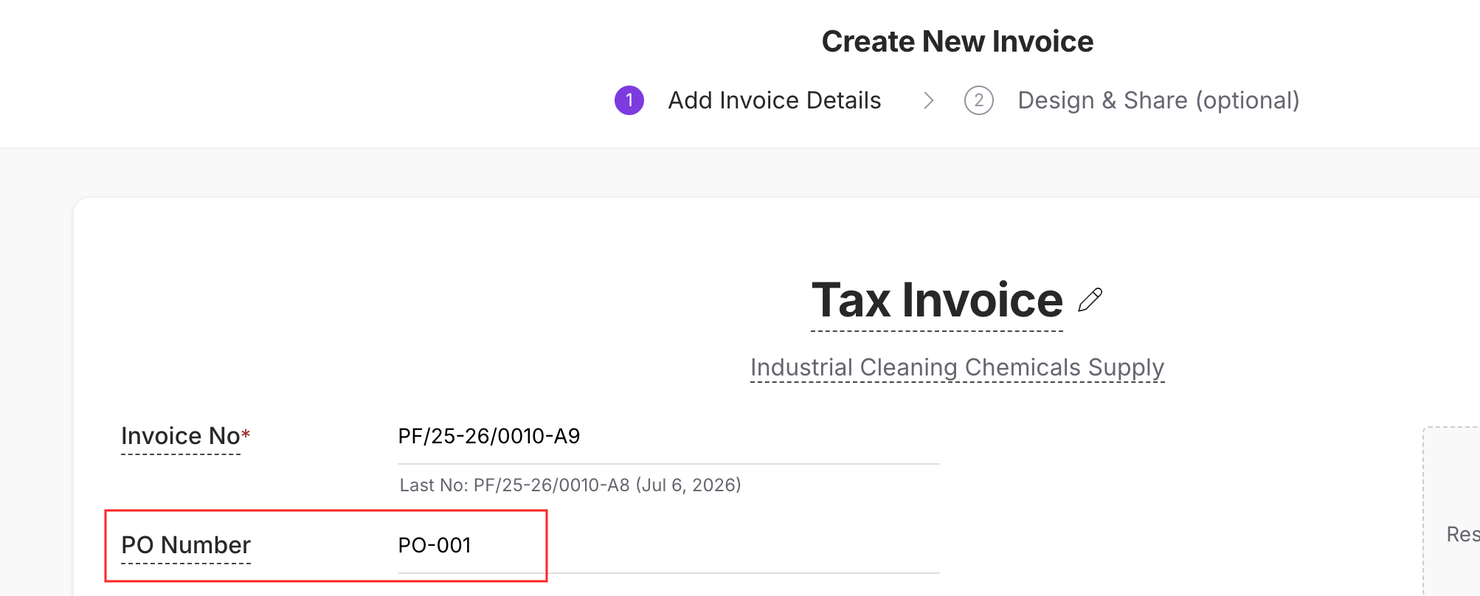
The PO Number is saved with the document, appears on the PDF, and can be updated later whenever required. It can also be added through bulk upload or API.
How to enable it: Go to Settings → Accounting → Enable Display PO number on documents:
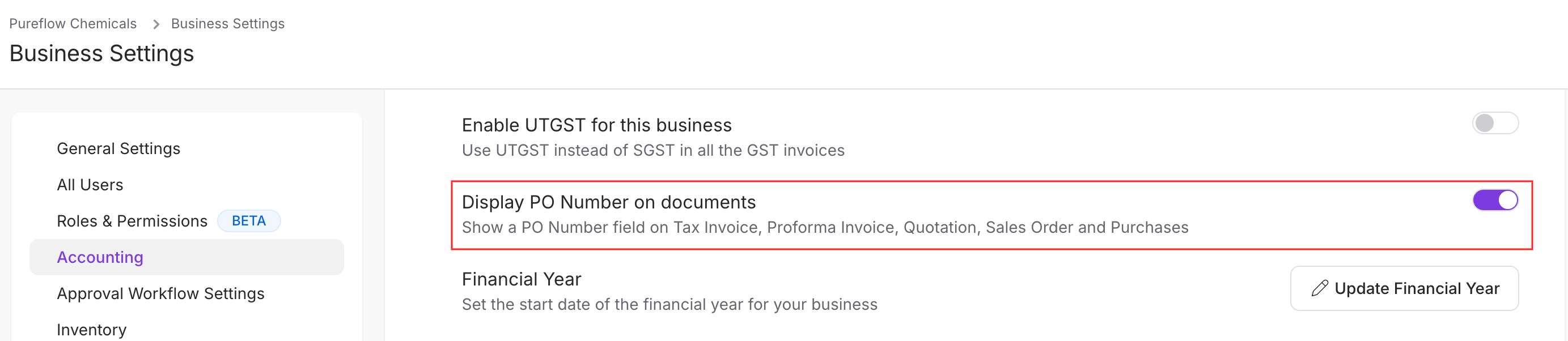
Once enabled, the PO Number field will appear in the document header while creating or editing supported sales documents.
6