Choose Layouts for Lead Capture Forms 🧩
New Feature
You can now choose how your lead capture forms appear on websites, landing pages, and shared form links.
With our new layout options, you can select a layout that fits where the form is used:
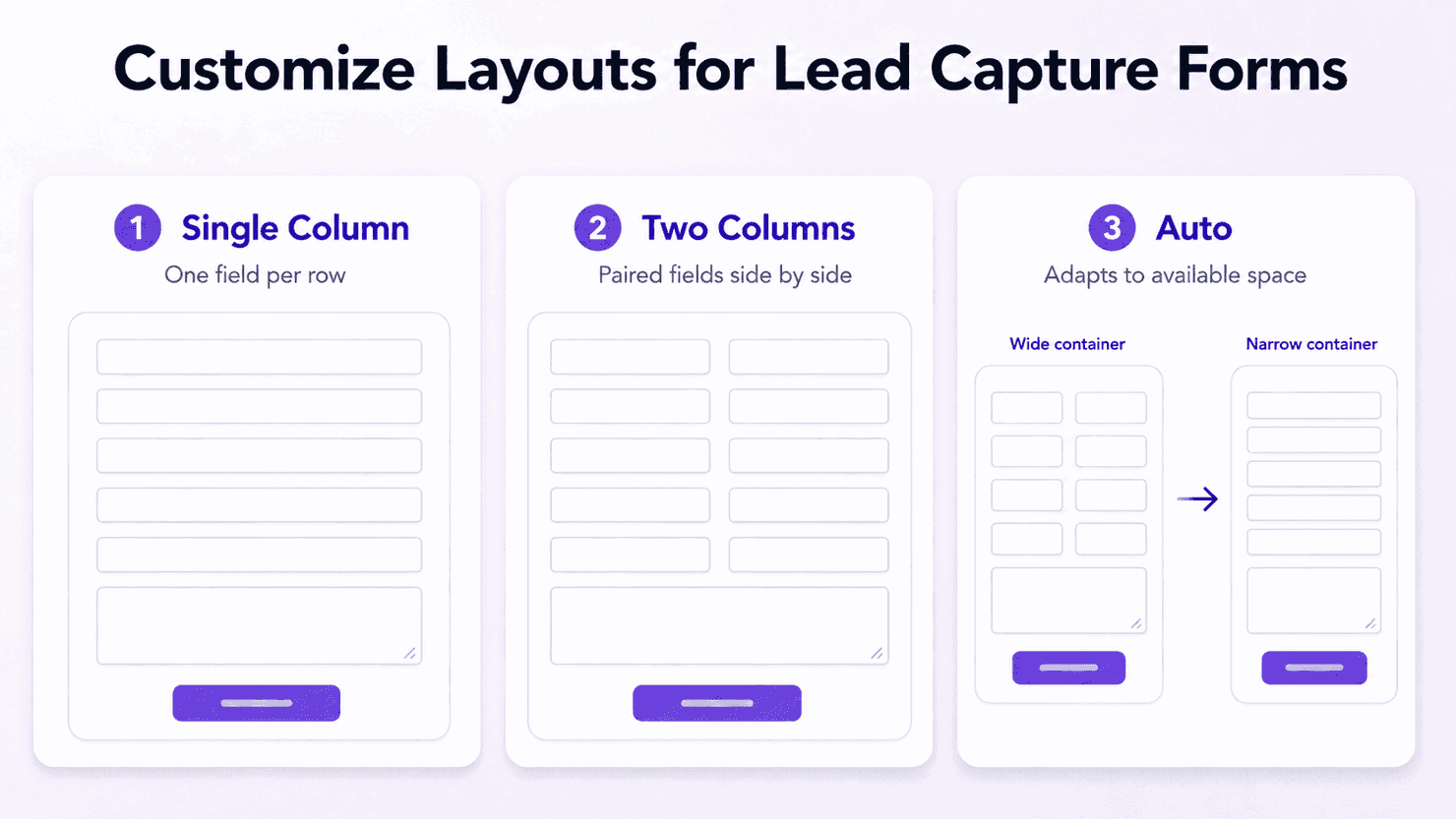
Layout options
- Single Column: Shows one field per row. Best for simple forms, mobile-first pages, and narrow spaces.
- Two Columns: Shows fields side by side on wider screens. Best for longer forms where you want to reduce scrolling.
- Auto: Automatically adjusts based on available space. It shows two columns in wider areas and switches to one column in narrower spaces.
With this, your forms can look cleaner across different placements. A form on a wide landing page can appear compact, while the same form can stay readable in a sidebar or popup!
Go to the Form Configuration Section > Layout to try this out!
(P.S. When embedding a form, developers can override the default layout selected in the form builder by adding a layout option directly in the embed code. This helps the same form adapt to different placements without having to create duplicate forms!)
14