Introducing Marketing CRM: Grow Your Business with WhatsApp, Email & Automation 🚀
New Feature
You already use Refrens to manage your business. With the new Marketing CRM, you can grow it too!
1. Bulk WhatsApp messaging 📲
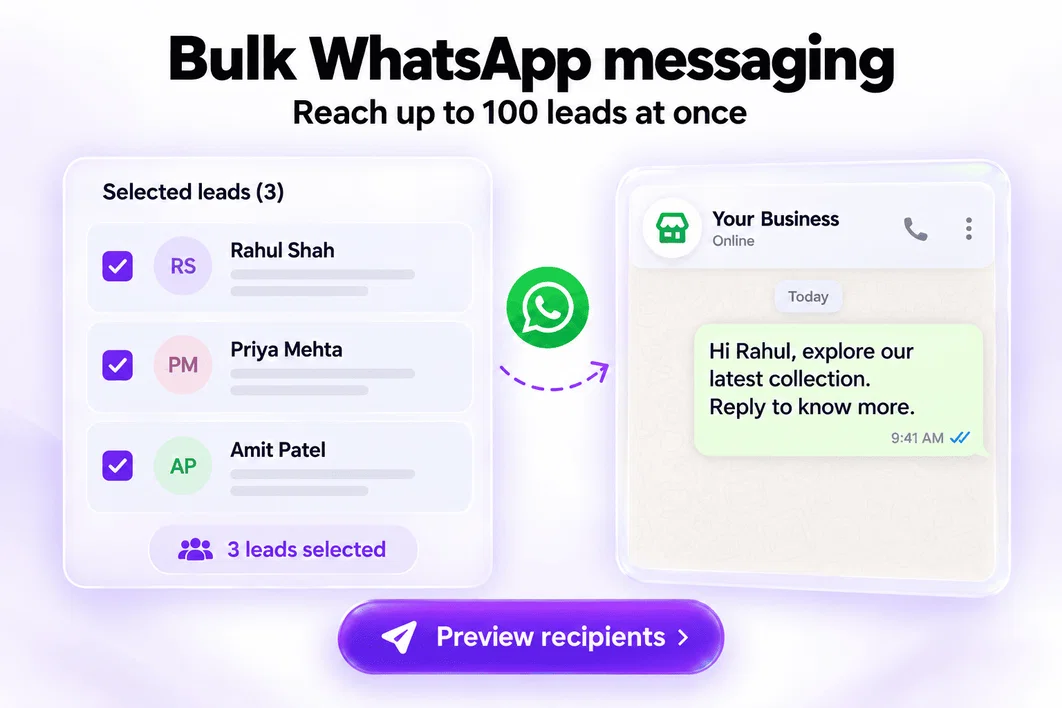
Share offers, updates, and follow-ups with up to 100 leads at once.
- Select leads directly from your Leads Dashboard.
- Choose an approved template and automatically personalize it with each lead’s details.
- Preview messages and review recipients before sending.
2. Custom WhatsApp templates 💬
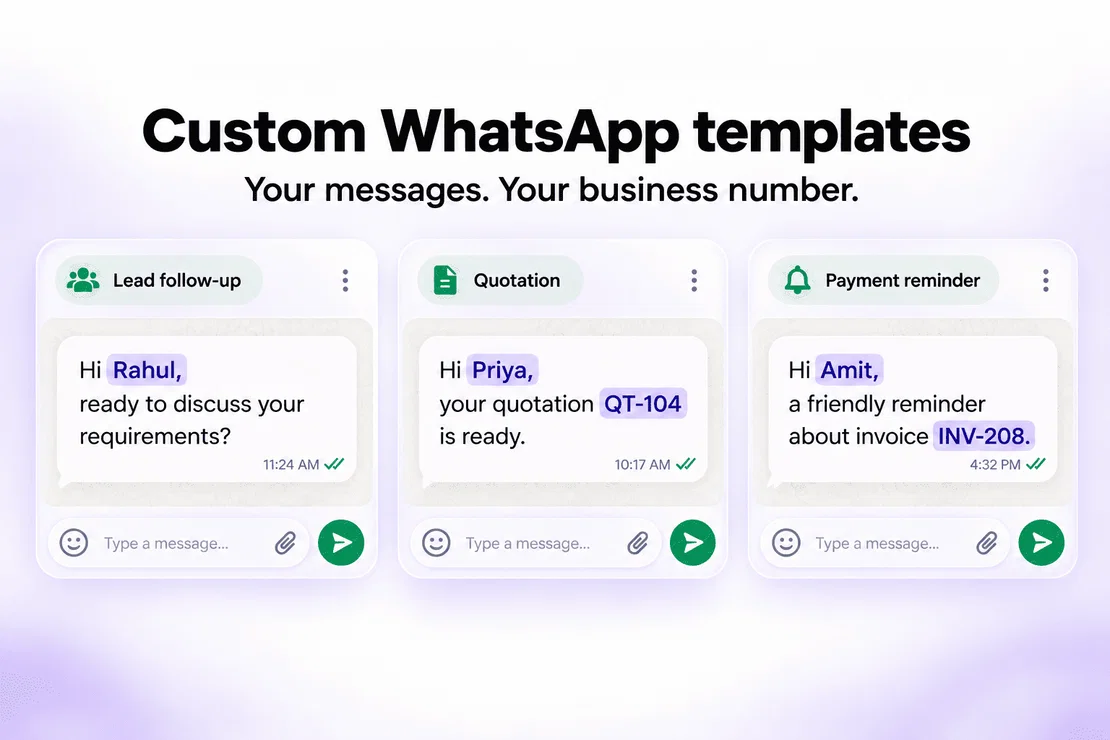
Send messages to leads & clients directly from Refrens using your connected WhatsApp Business number.
- Create reusable templates for lead introductions and follow-ups.
- Set up separate messages for invoices, quotations, and payment reminders.
- Automatically add names, document details, and other relevant information using custom variables.
3. AI-powered email templates 🤖
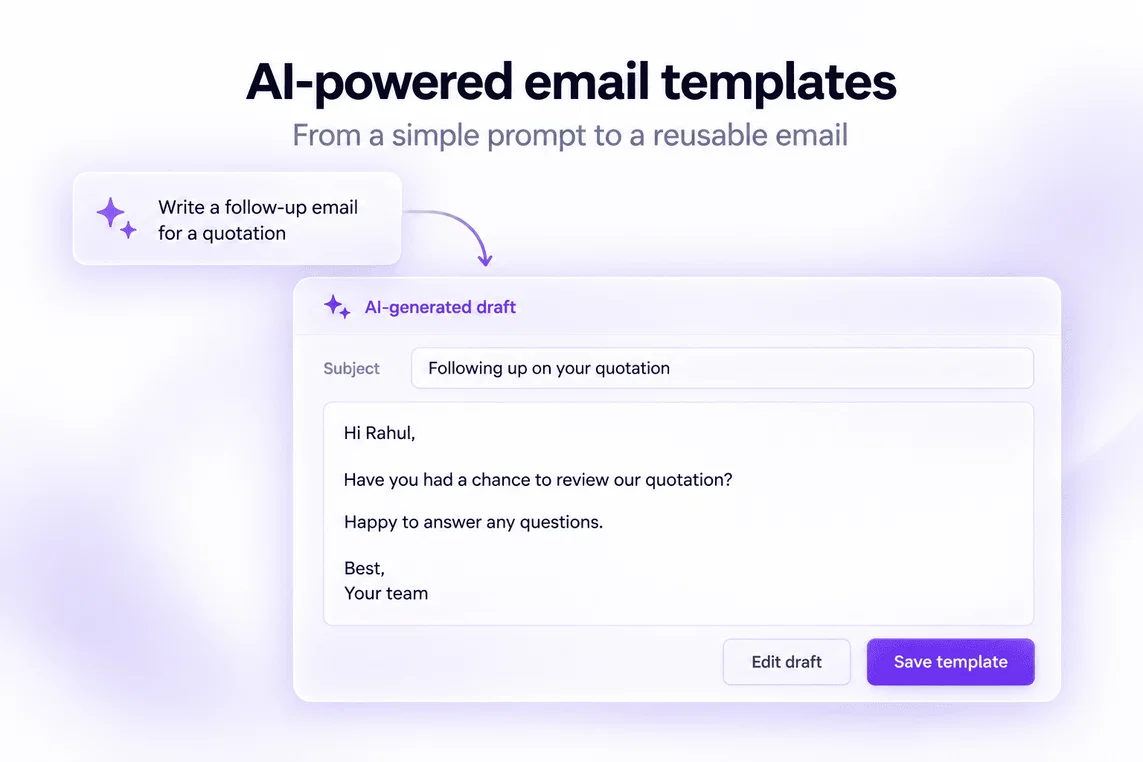
Describe the email you need and let AI draft it.
- Create sales follow-ups, quotation emails, and payment reminders.
- Review, customize, and save drafts as reusable templates.
- Use variables in the subject and body to automatically fill in customer, business, and document details.
4. Automated welcome message 👋
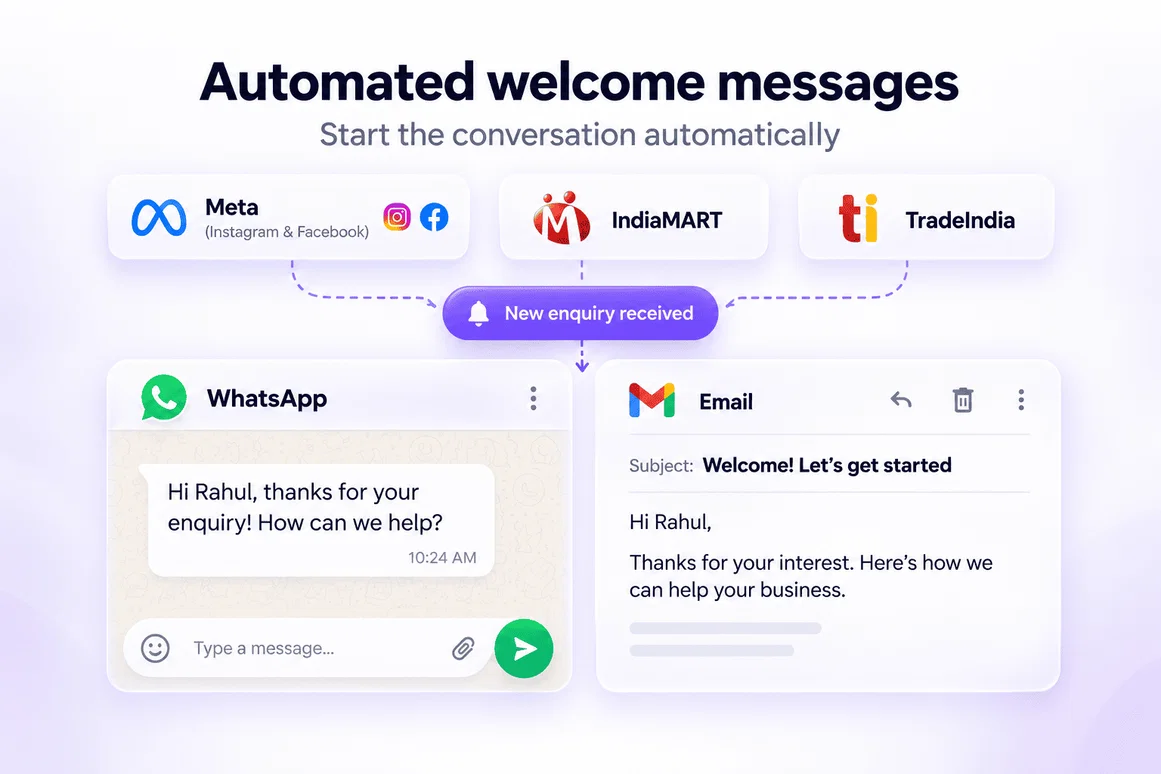
Give new enquiries a timely first response—automatically.
- Set up welcome emails and WhatsApp messages for leads from Meta (Instagram & Facebook), IndiaMART, and TradeIndia.
- Acknowledge their enquiry, introduce your business, and share the next steps.
- Reduce manual messaging while your team takes the conversation forward.
5. Schedule email follow-ups 📅
Prepare your follow-ups in advance and send them at the right time.
- Choose the date, time, and time zone for each lead email.
- Keep conversations moving without remembering to send every follow-up manually.
Ready to grow your business? Explore Marketing CRM today, or ask your account manager for a quick walkthrough!
16