Smarter Way to Track Inventory Movement 🚚
Improvement
We’ve introduced a Summary and a Graph view in the Inventory Transactions dashboard to give you a structured and visual view of stock activity:
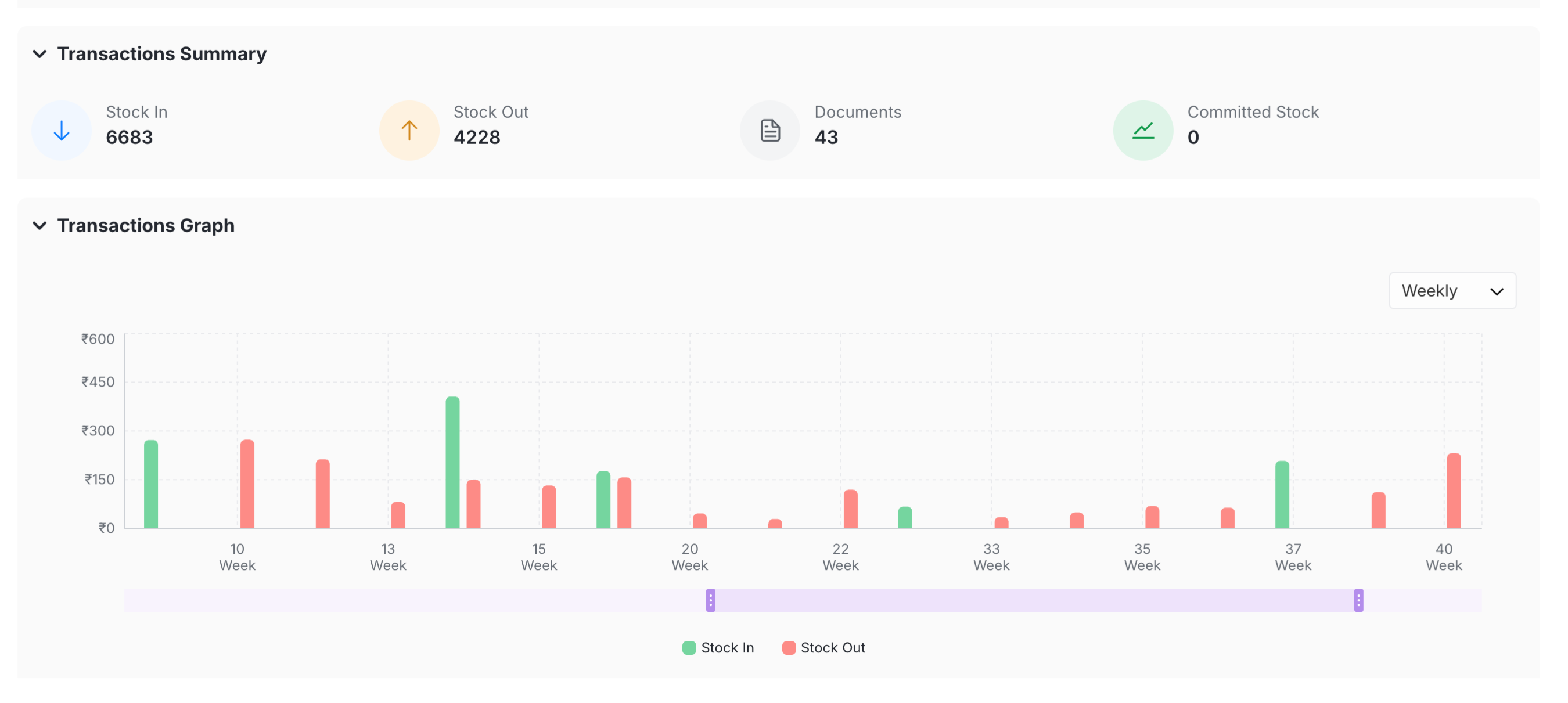
Key highlights:
- Get a quick snapshot of Stock In, Stock Out, and total documents
- View Net Stock Movement with clear green (in) and red (out) bars
- Analyse trends over time with Day, Week, or Month views
- Apply filters and instantly see updated insights
The result? Less manual tracking, faster decisions, and better control over your inventory.
Go to Items Dashboard > Transactions Tab to take a look!