Update Inventory for Credit and Debit Notes
You can now choose whether each item in a Credit Note or Debit Note should also update your inventory.
For Credit Notes:
Enable Add to Inventory when goods are physically returned by the customer:
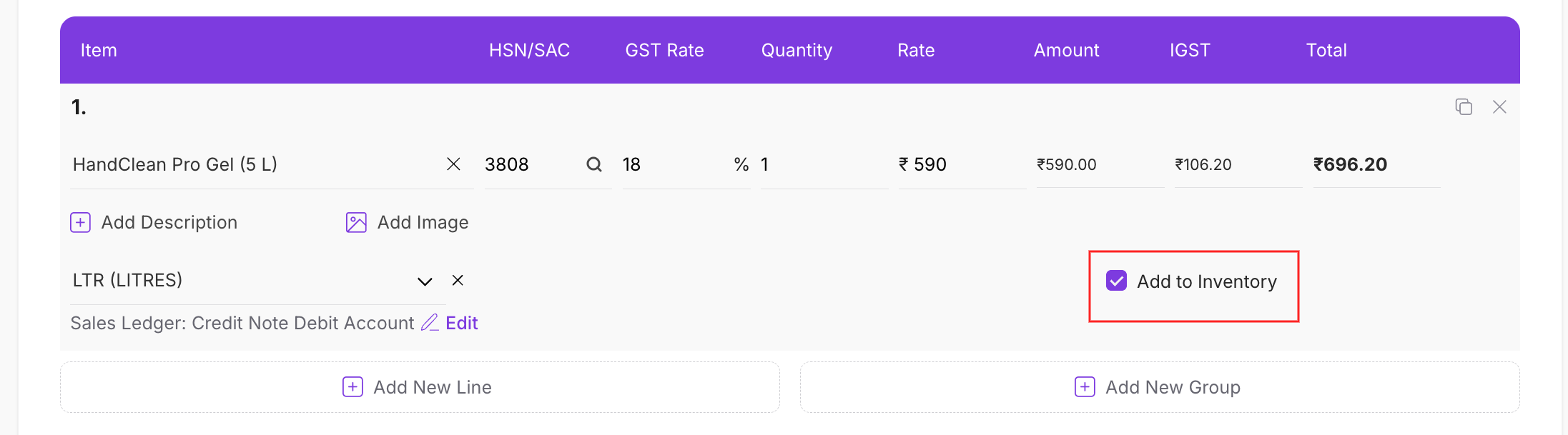
Example: If a customer returns 5 units and the items come back into your warehouse, enable Add to Inventory to increase the stock by 5.
Leave it unchecked when the Credit Note is only for a discount, price correction, tax adjustment, or billing change, and no goods are returned.
For Debit Notes:
Enable Deduct from Inventory when goods are physically returned to the vendor:
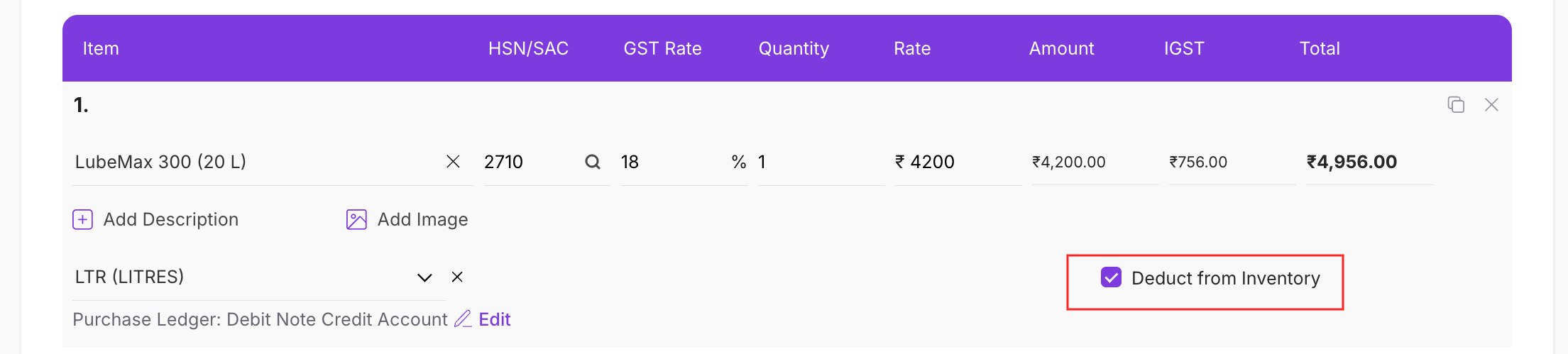
Example: If you return 3 defective units to a supplier, enable Deduct from Inventory to reduce the stock by 3.
Leave it unchecked when the Debit Note is only for a rate difference, discount adjustment, or accounting correction, and no goods leave your inventory.
The option is available separately for each stock-managed item, so one document can include both inventory-adjusted items and monetary-only items.
3